Confirmar Número Federado
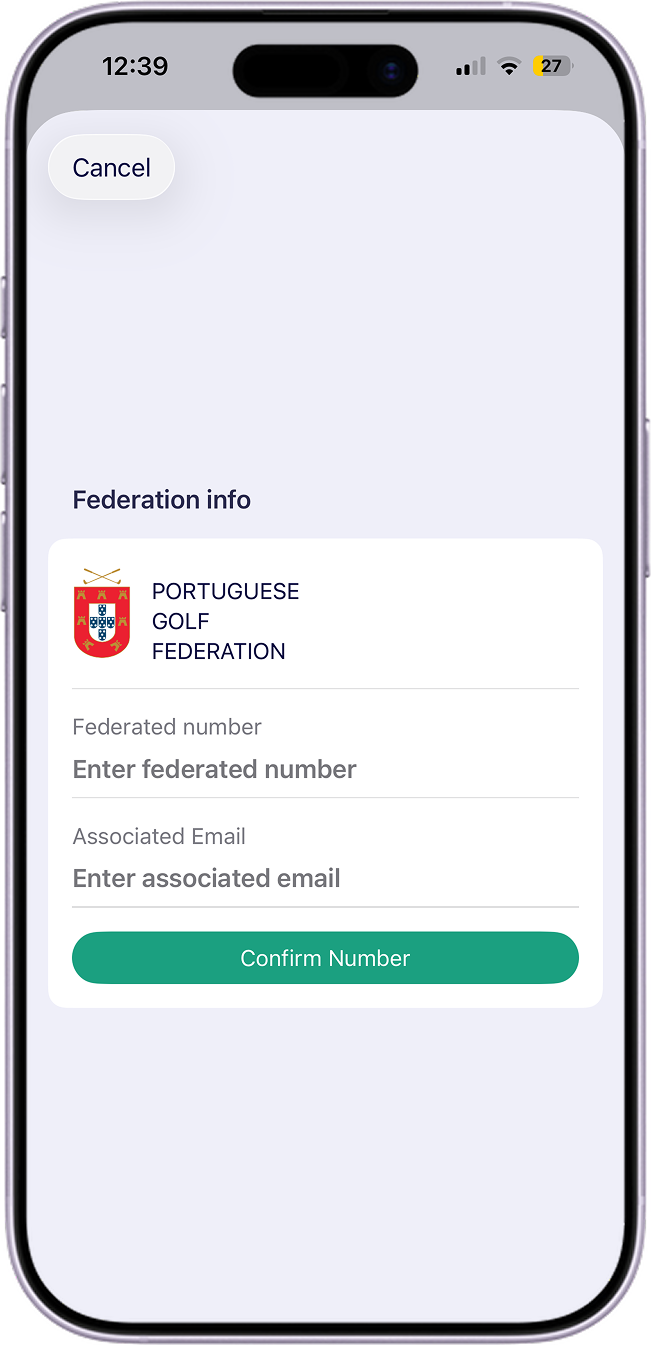
Este passo conclui a verificação em dois passos.
Como funciona:
- Após a verificação bem-sucedida, é enviado um email com um código de confirmação para o email da federação.
- Abra o email e copie o código.
- Na app, introduza o código para confirmar a associação.
Mensagens de estado que pode ver:
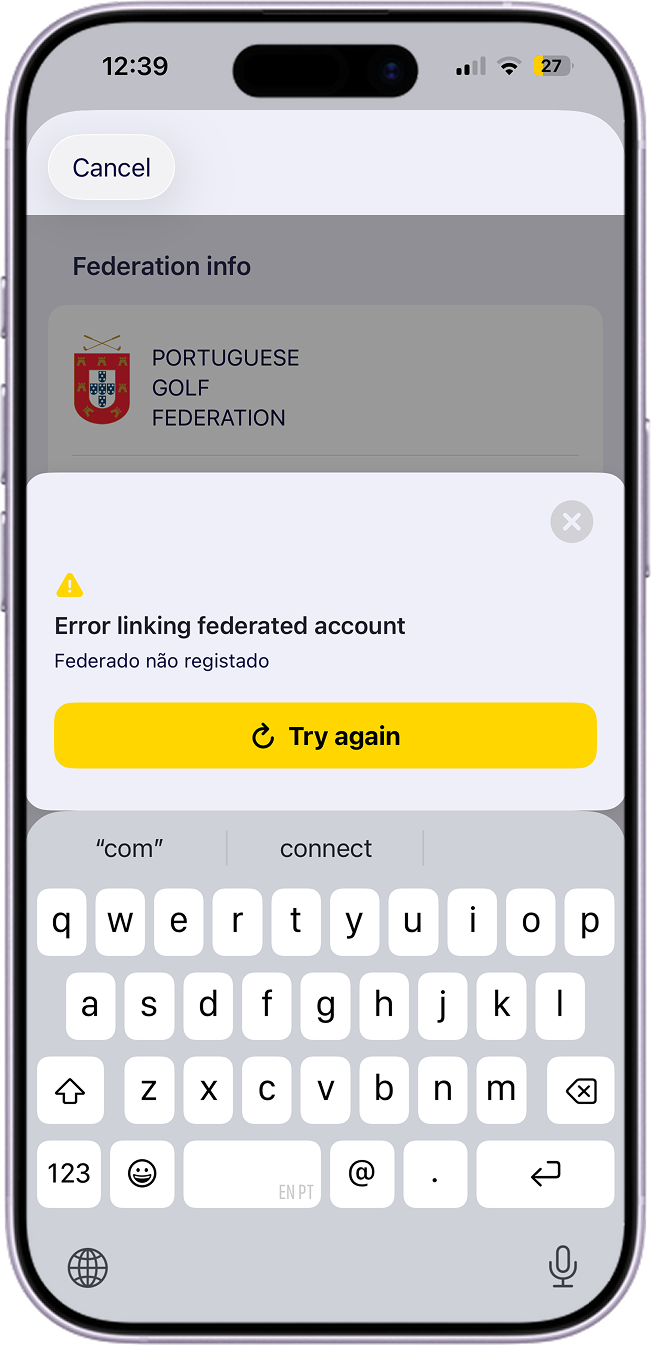
- Código inválido ou expirado: peça um novo código e tente novamente.
- Código aceite: o seu perfil fica ligado ao registo da federação.