Adicionar campo aos favoritos
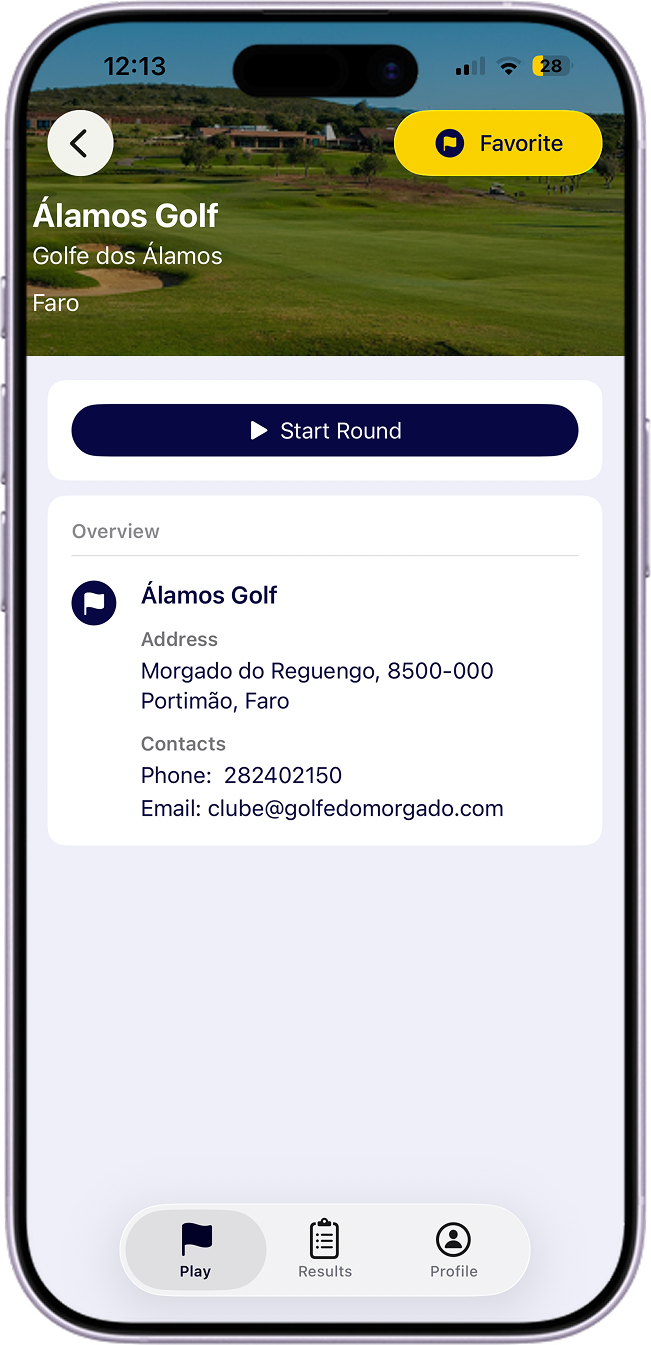
Guarde um campo nos favoritos para aceder mais rapidamente ao criar novas voltas.
Passos:
- Abra Campos na secao Jogar.
- Encontre o campo que pretende guardar.
- Toque na acao de favorito para o adicionar a lista de favoritos.
Para remover um favorito, toque novamente na mesma acao no campo.